File Encryption & Decryption

securely encrypting and decrypting files on Linux, Windows, and MacOS

Usage & Screenshots

Usage Workflow


To keep memory usage minimal, files are never loaded completely into RAM. Instead, a QFile stream is used:


  1. Open: Source and destination files are opened.
  2. Loop:
    • Read 4 MB chunk from source stream.
    • Process block (AES Encode/Decode) via QAESEncryption.
    • Write processed block to destination stream.
  3. Close: Streams are closed, temporary files are renamed or moved.

Warning

Don't loose your password.
Decryption/Recovery without valid password is impossible!

breaking Changes


Please be aware of the breaking changes

Version Status Comment
0.1.0 NOT compatible to higher versions. initial creation, text mode only
1.0.0 NOT compatible with lower versions. optimized input/output, text mode limited to some text-based files.
2.x.x NOT compatible with lower versions. binary-mode, works on every readable file. No filesize limit.

Screenshots


Album View

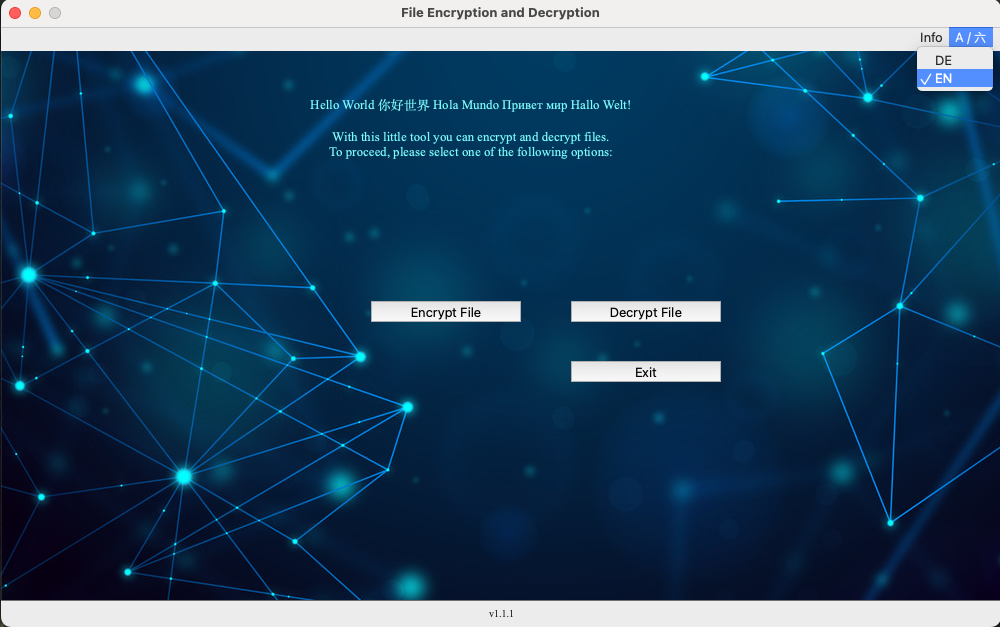
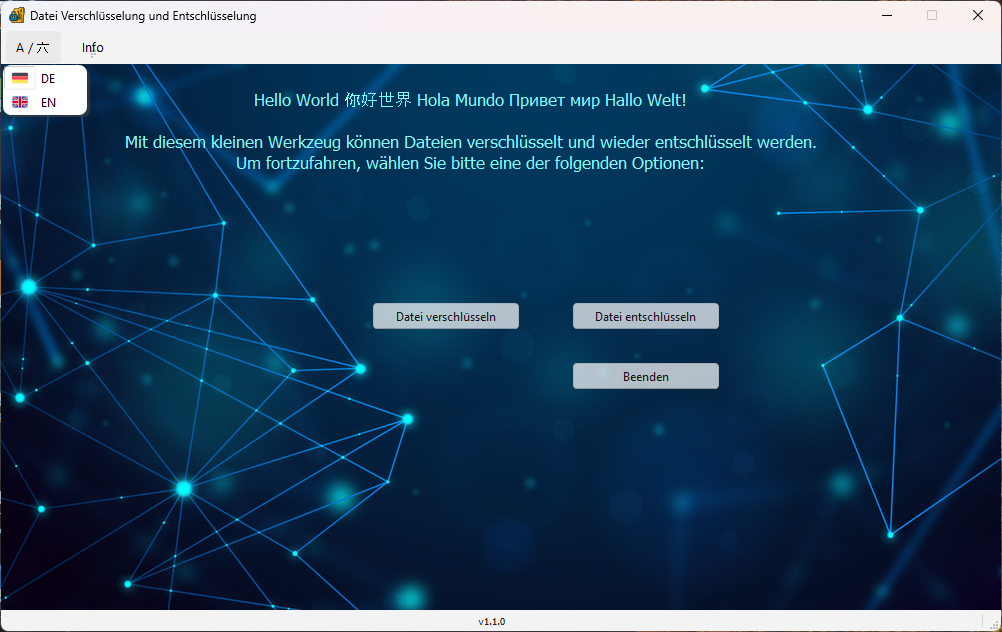
Internationalization (i18n)

Live language switching (German).

About

Internationalization (i18n)

Live language switching (English).

Context Menu

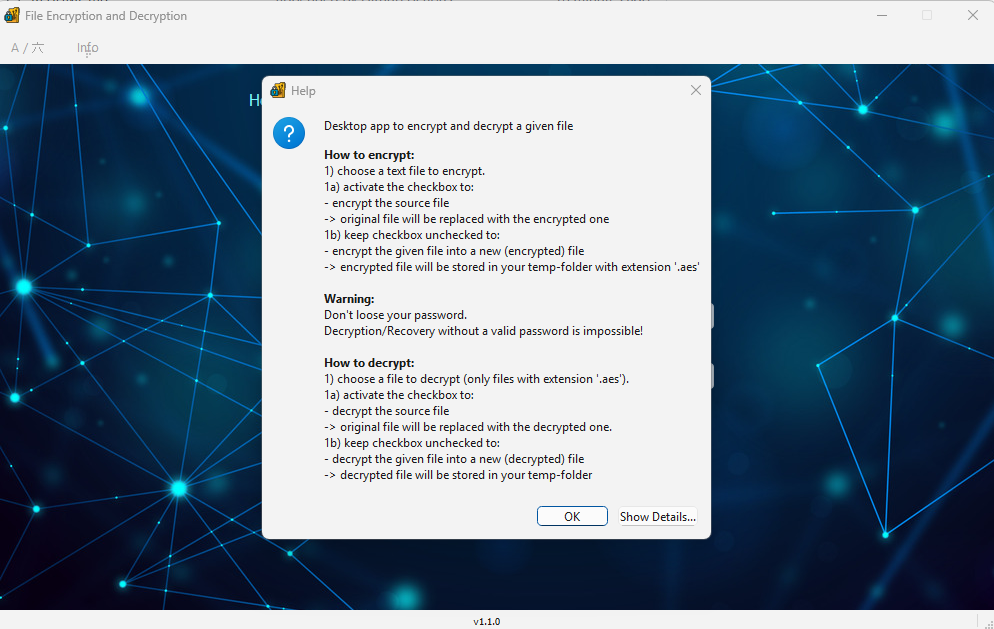
Help Menu

How to use the application

Context Menu

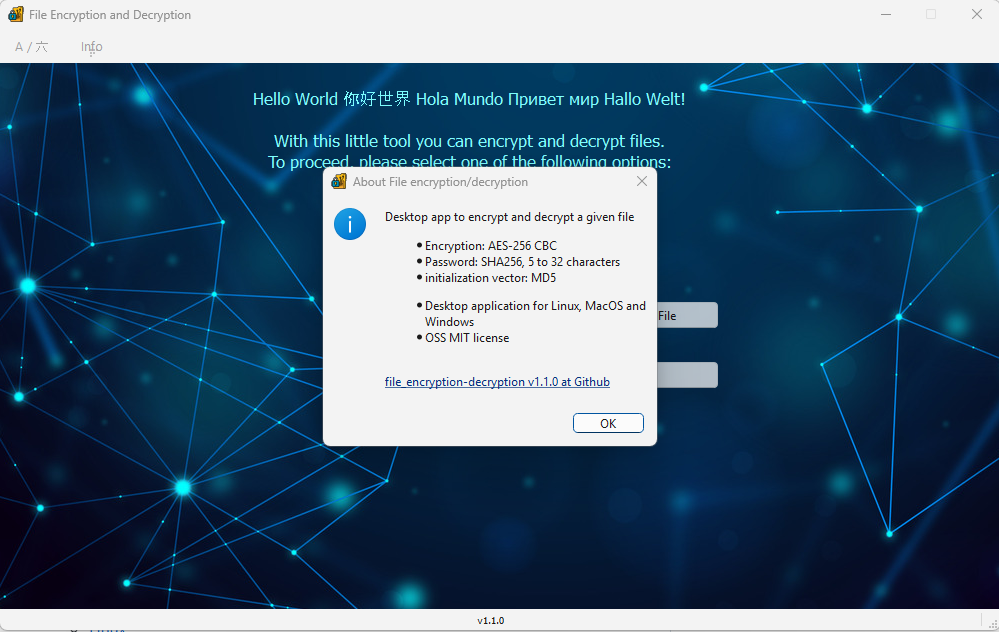
About Menu

Information about the application


Windows Setup


Album View

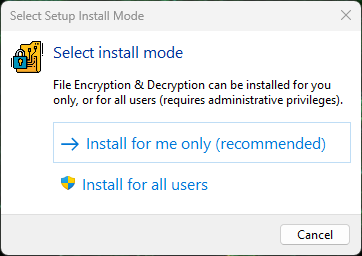
Windows Setup (1)

Choose Install-Mode.

  • Install for me only: No Administrator rights needed
  • Install for all users: local Administrator rights needed

About

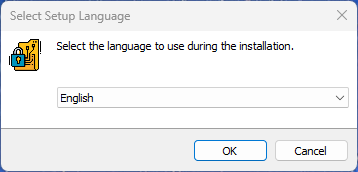
Windows Setup (2)

Select language during installation.

  • English
  • German

Context Menu

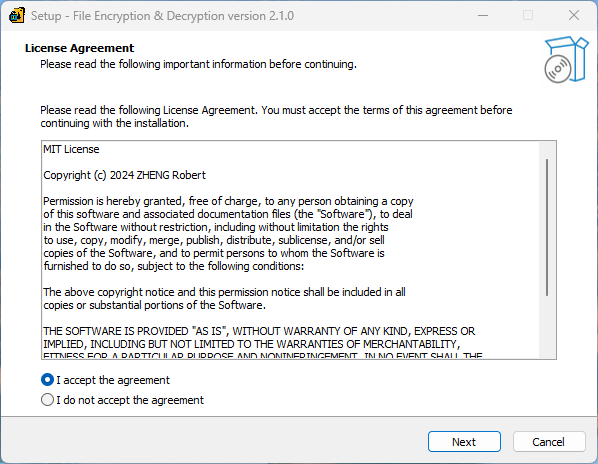
Windows Setup (3)

MIT License agreement.

Context Menu

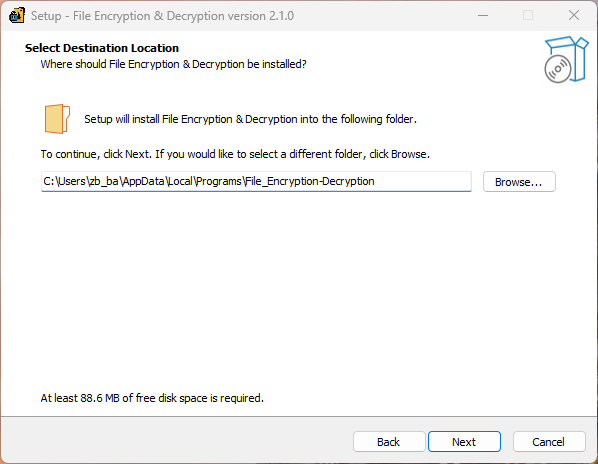
Windows Setup (4)

Choose the installation folder.

Context Menu

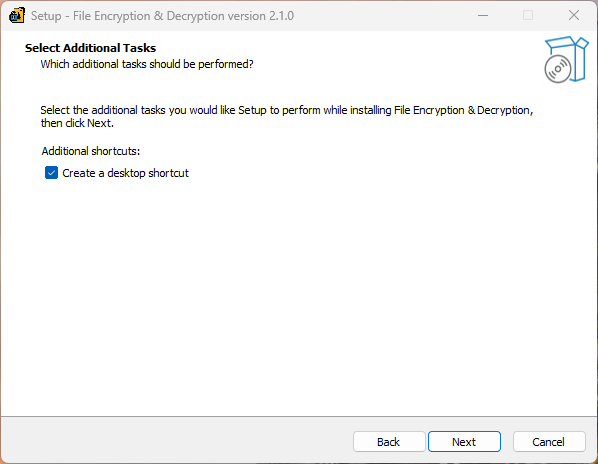
Windows Setup (5)

Create Desktop-Shortcut (yes|no)

Context Menu

Windows Setup (6)

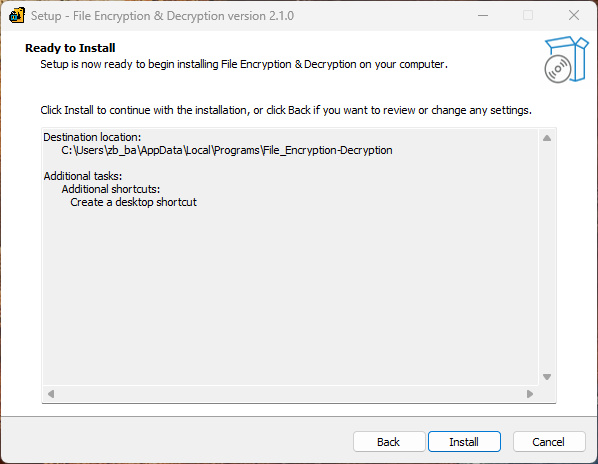
Start the installation

Context Menu

Windows Setup (7)

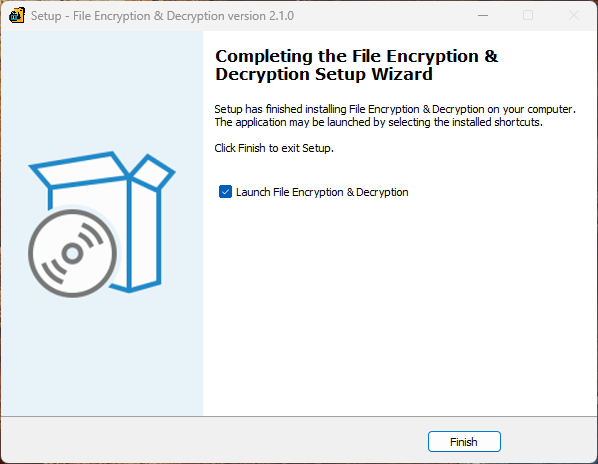
Optional: start the installed application.

Context Menu

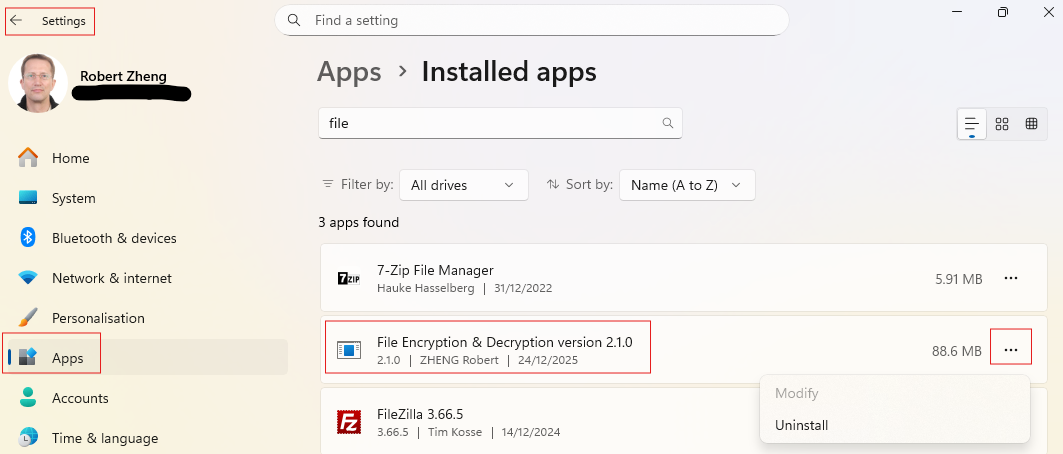
Windows Uninstall

Uninstall the application within the Windows Settings.